Outlook Integration



Outlook Calendar and Inbox Context, in One Brief Before the Door


Made by
SecondBody.ai
Microsoft 365 connector
Category
Calendar & Email
Used for
Pre-visit briefs
Between-visit drills
Follow-up drafts
Debriefs
Users
Field reps
Account managers
Managers
33%
Parkingeye's top-usage division over target by May
8–10 / 10
GBUK cold-call scores for consistent users, vs 6
~1 week
Manager time GBUK gets back every month
0 days
Rentokil reps taken off the road to practise
Real results, real teams
See it in action
Most field teams on Microsoft live in Outlook. Connect it and Rory sees the day's visits and the email thread behind each one. Before the meeting: a brief with the last exchange, the open ask and the objection to expect. Between visits: a drill. On the drive back: a voice debrief that Rory turns into objections, commitments and a follow-up draft the rep reads, edits and sends. Rory works without any of this on day one. Outlook just makes the brief sharper.
What is Outlook?
Microsoft Outlook is the email and calendar client inside Microsoft 365. In enterprise field organisations it is where meetings get booked and where the written record of an account relationship actually sits.

Integration
What Data Do Outlook & SecondBody Share?
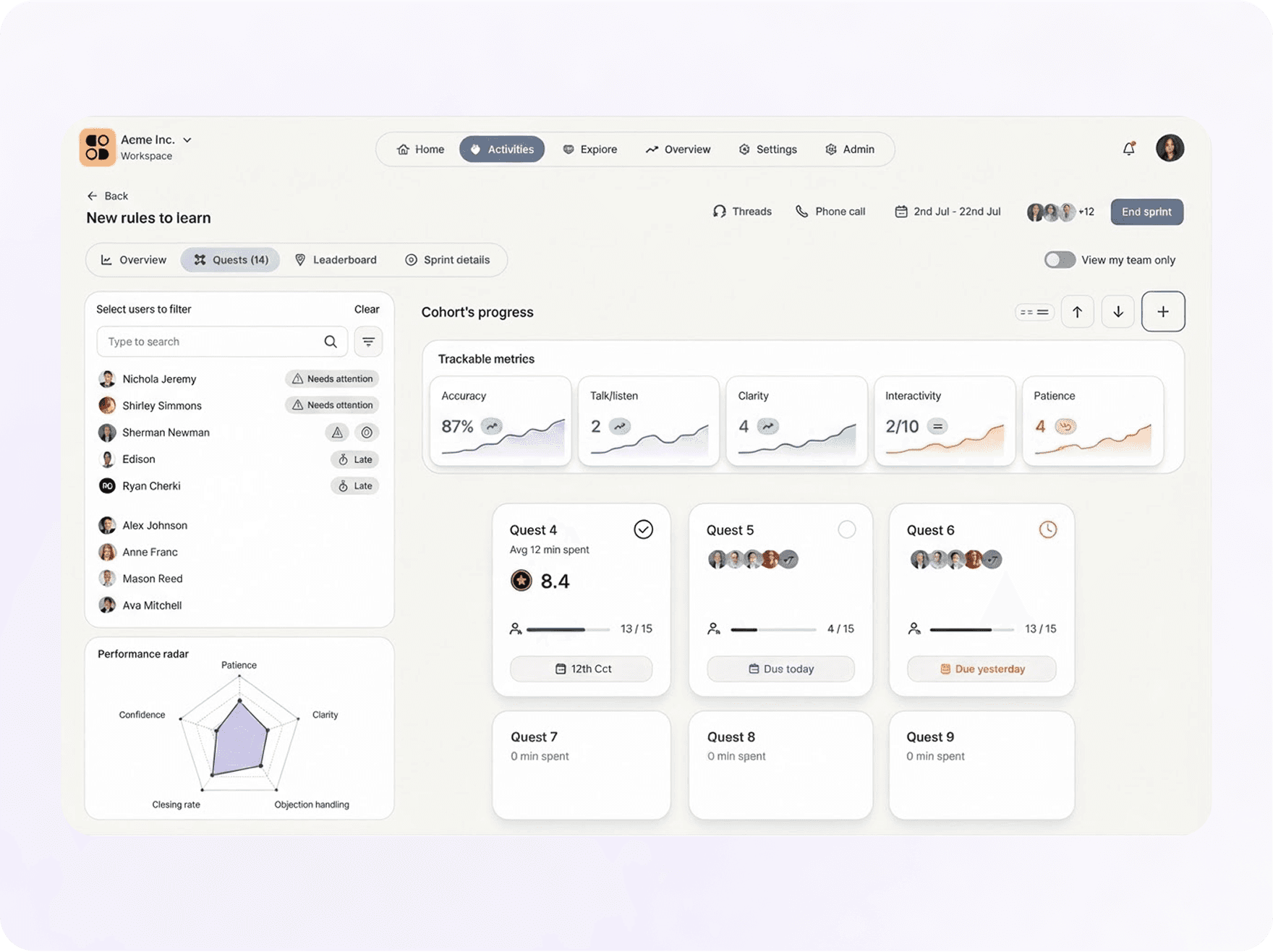
Calendar Events and the Threads You Allow
SecondBody reads upcoming calendar events, and email threads with the accounts you choose to connect. It uses them for the brief and the follow-up draft, nothing more. The rep sends every email themselves. No meetings are recorded. You can scope access to calendar only if you prefer.
Scoped Access
Rep Sends, Rory Drafts
No Meeting Recording
How Outlook Becomes Readiness
Brief: the last email and the next meeting become one four-minute prep by voice. Drill: the ask sitting in the thread becomes the scenario the rep practises before walking in. Follow-up: the debrief becomes a draft in the rep's voice, ready to check and send before the next stop.
Briefs From Threads
Follow-Ups From Debriefs

Related Integrations






Power BI
Readiness and practice data in the dashboards leaders already use.
Power BI Integration